
 Cart is empty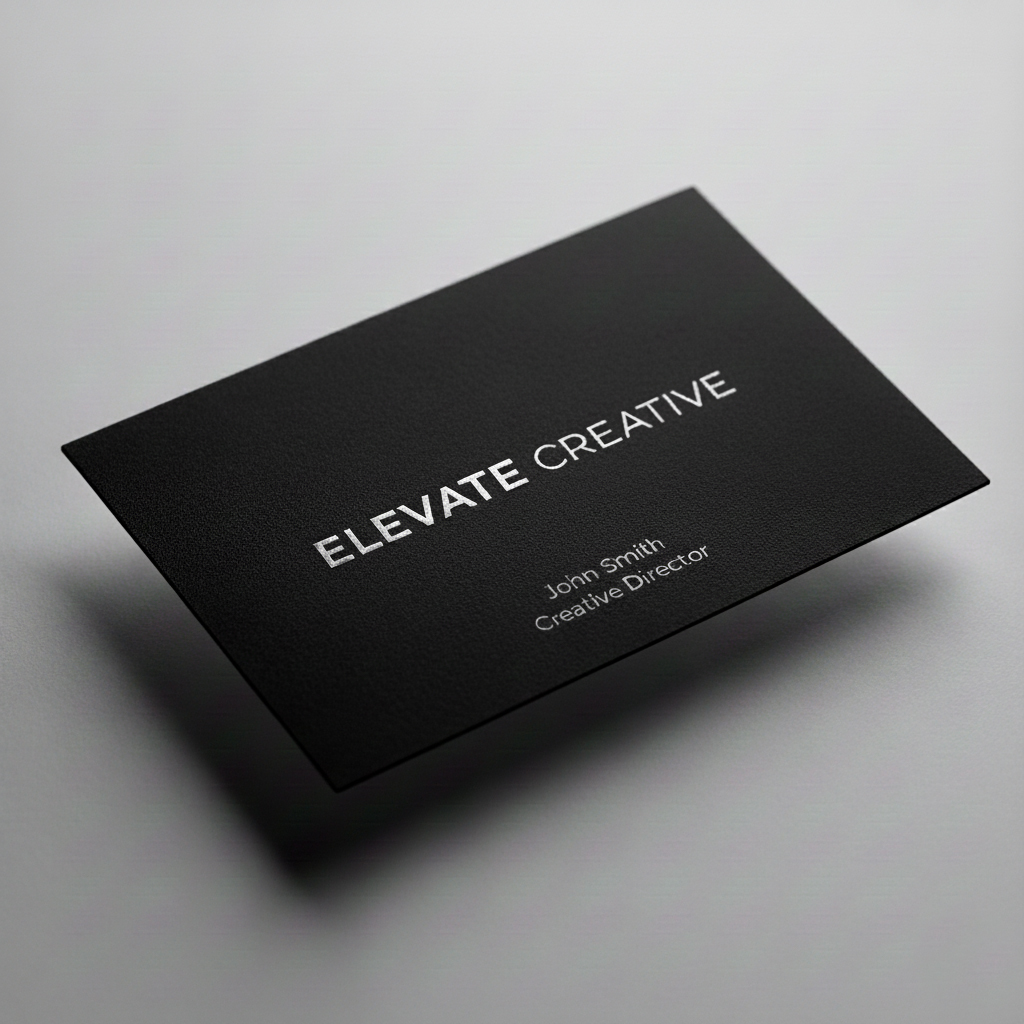

| Quantity | |||||||
| Size | 100 | 250 | 500 | 1000 | 2000 | 2500 | 5000 |
| 3.5" x 2" | 0 | 0 | 0 | 0 | 0 | 0 | 0 |
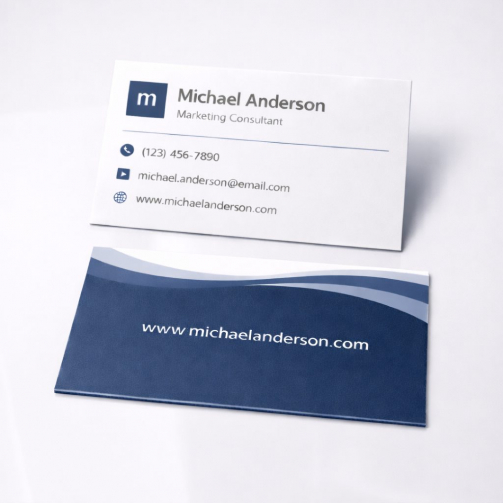
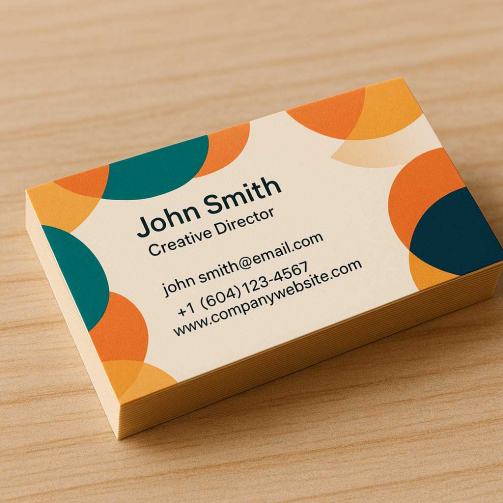
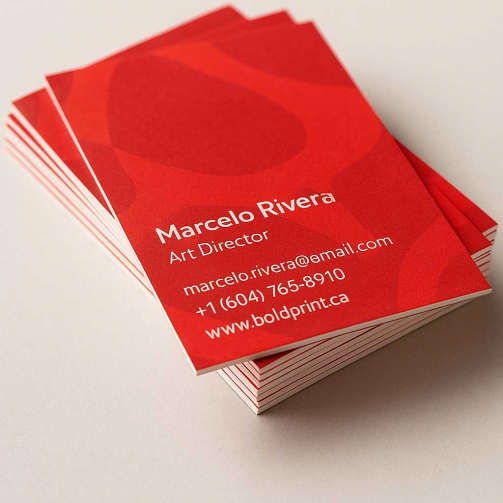
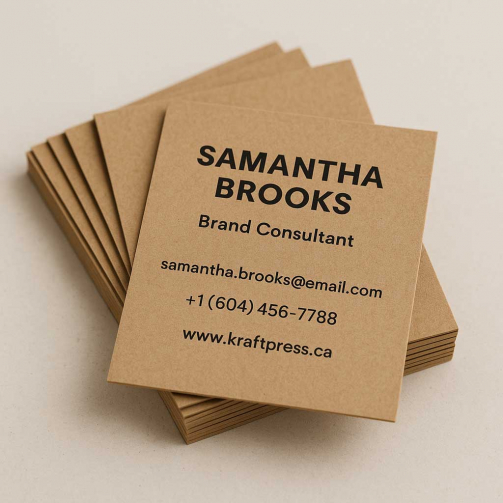
SoftTouch Business Cards
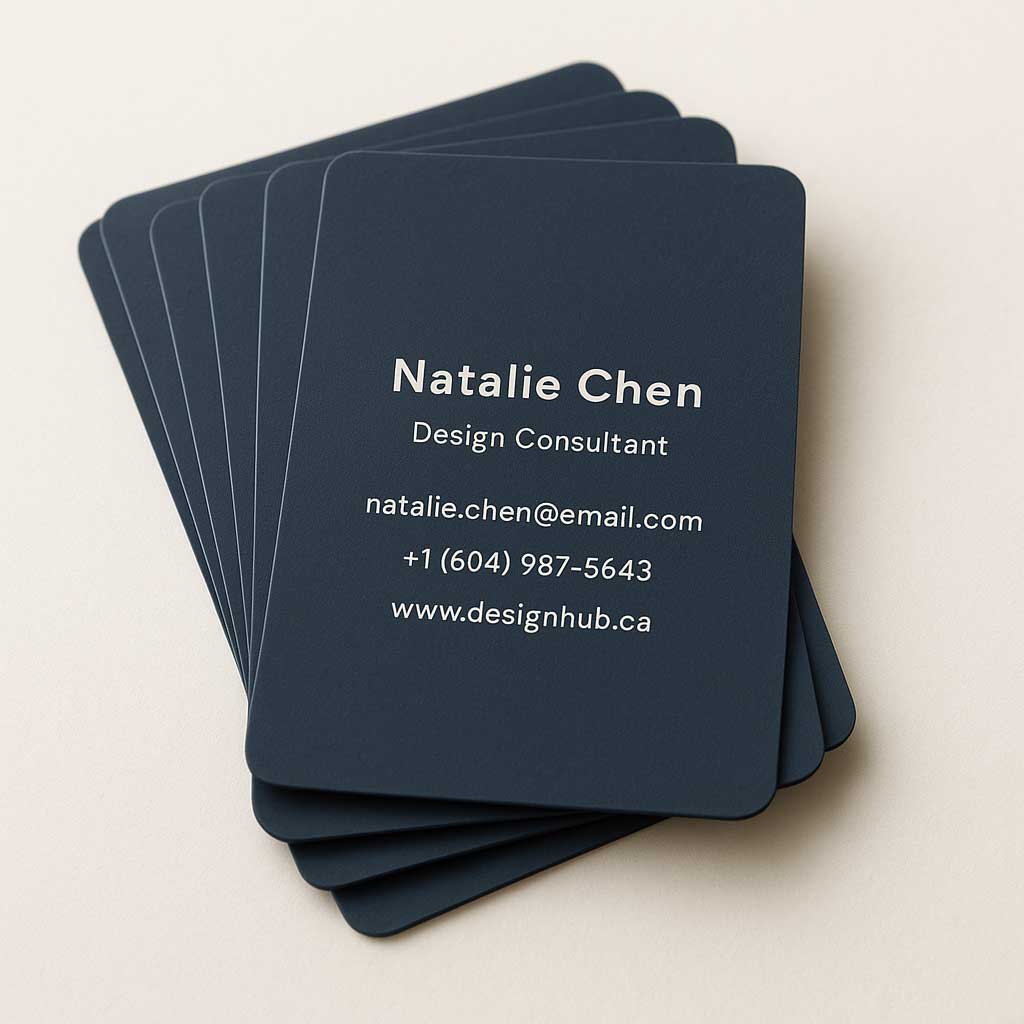
- Size: 2 x 3.5 inches
- Thickness: 18pt
- Paper Finish: Soft-Touch lamination
- Rounded corner: available
Fill out the form below to receive your quote
CategoryBusiness Cards
Get professionally printed soft touch business cards in Vancouver with Digitech Printing.
We use Premium cardstock with a luxurious soft touch finish that adds a smooth, velvet-like texture for a premium feel. Rounded corners are available for an elegant touch, and the standard 3.5 x 2 inch size ensures your cards fit perfectly in wallets and holders. Digitech Printing also offer local pickup at our downtown Vancouver location. We help Vancouver brands make a lasting impression with cards that feel as good as they look.
- Use Our Templates: Download our official design guides to ensure your artwork is perfectly aligned.
- Remove Hidden Layers: Delete all setup guides, template lines, or hidden artwork layers. Anything left in the file, even if hidden, may accidentally appear in the final print.
- Single PDF Submission: Combine all pages (for multi-page projects) into one single PDF file.
- Uniform Sizing: Ensure every page within your PDF has identical dimensions.
- Correct Orientation: Double-check your file’s orientation to ensure proper backup. Review the File Prep tab for product-specific orientation guides.
- Bleed Requirements: All files must include a 1/8″ bleed on all sides.
- Safety Zone: Keep all critical text and graphics within the safety margin. We recommend a generous margin to prevent elements from appearing off-center or being trimmed off.
- Avoid Borders: We advise against using borders near the trim line, as minor mechanical shifts during cutting can make them look uneven.
- Image Quality: Use high-resolution images (300 DPI) and ensure your document is in CMYK mode.
- The Perfect Black: For Text: Use C:0 M:0 Y:0 K:100.
- For Large Black Areas: Use “Rich Black” (C:30 M:20 Y:20 K:100) for a deep, premium finish.
- Font Handling: Please embed or outline all fonts to prevent formatting errors.
- CMYK Only: Unless specified for your particular product (like PMS or RGB requirements), please provide CMYK files for color accuracy.
- Minimum Thickness: Use a minimum line weight of 0.75pt.
- Minimum Font Size: Keep knockout text at 8pt or larger.
- Recommended Formula: Use C:30 M:20 Y:20 K:100. Avoid heavy builds like C:60 M:60 Y:60 K:100.
- Apply Swelling: Slightly enlarge (swell) white knockout areas to compensate for natural ink spread and maintain clarity.
1. File Setup & Layers
2. Format & Layout
3. Bleed & Safety Margins
4. Color & Resolution
5. Working with White Text on Rich Black
Small shifts during high-speed printing are normal. To prevent thin white text from “bleeding” or disappearing into a Rich Black background, please follow these precautions:
Use these templates to guide your design and understand our print requirements. They are the best way to ensure your file is set up correctly before submission.